Setting up the wireless LAN connection for iPhone/iPad/iPod
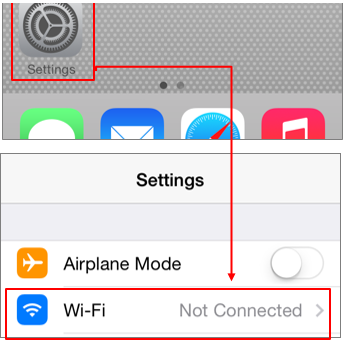
1. Tap Settings > Wi-Fi.
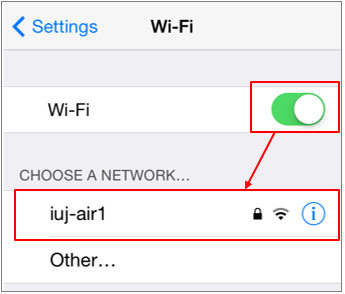
2. After tap Wi-Fi to turn on, tap iuj-air1.
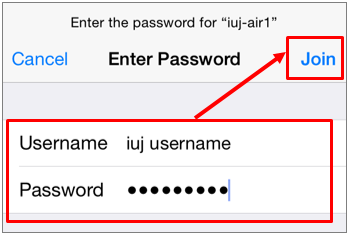
3. Type your username and password, and tap Join.
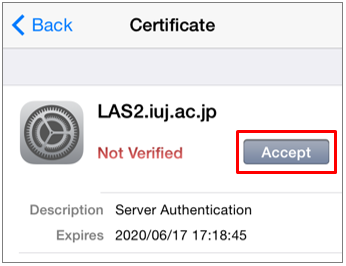
4. Tap Accept.
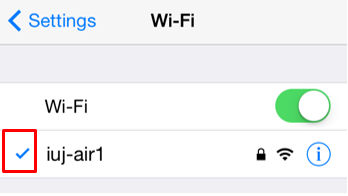
5. A check mark (✓) near the network name shows the device is connected successfully.