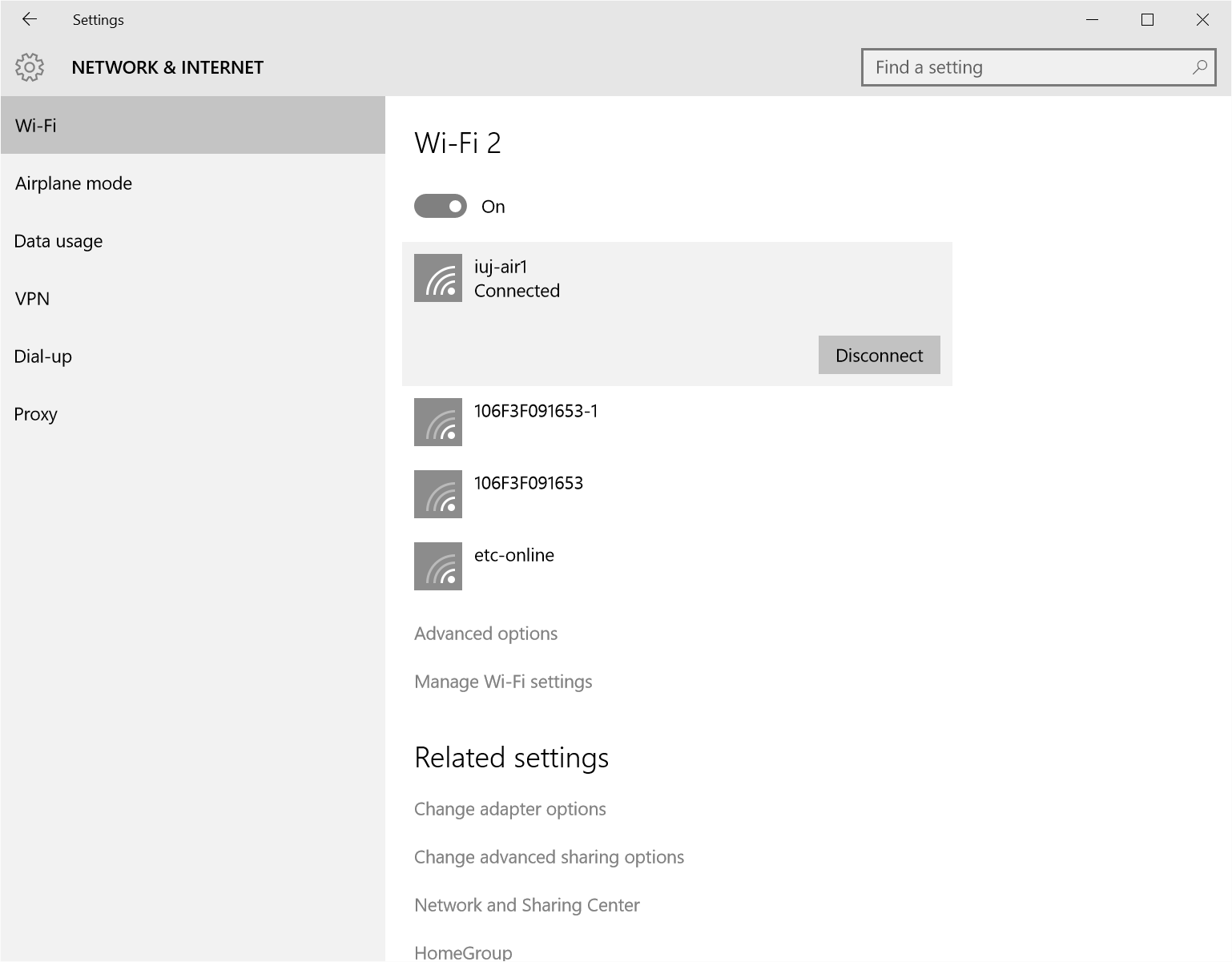
Setting up the wireless LAN connection for Windows10
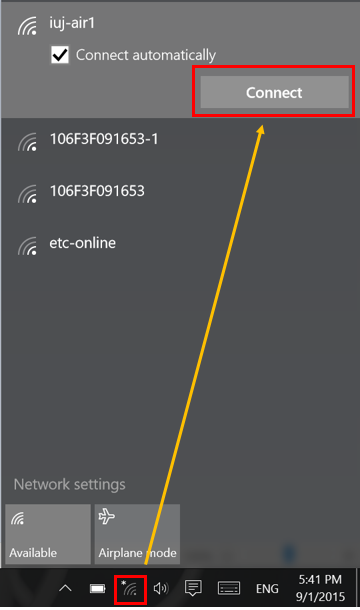
1. Click the network icon on the task bar on the low right of the desktop.
And select iuj-air1 from the Networks list, click Connect.
2. Type your username and password. And then click OK.

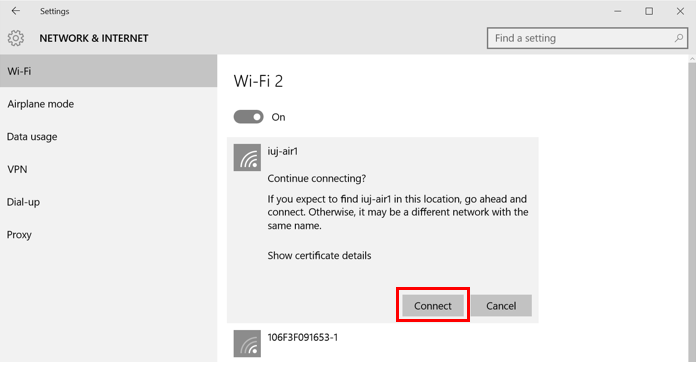
3. Click Connect.
4. The setting is finished.